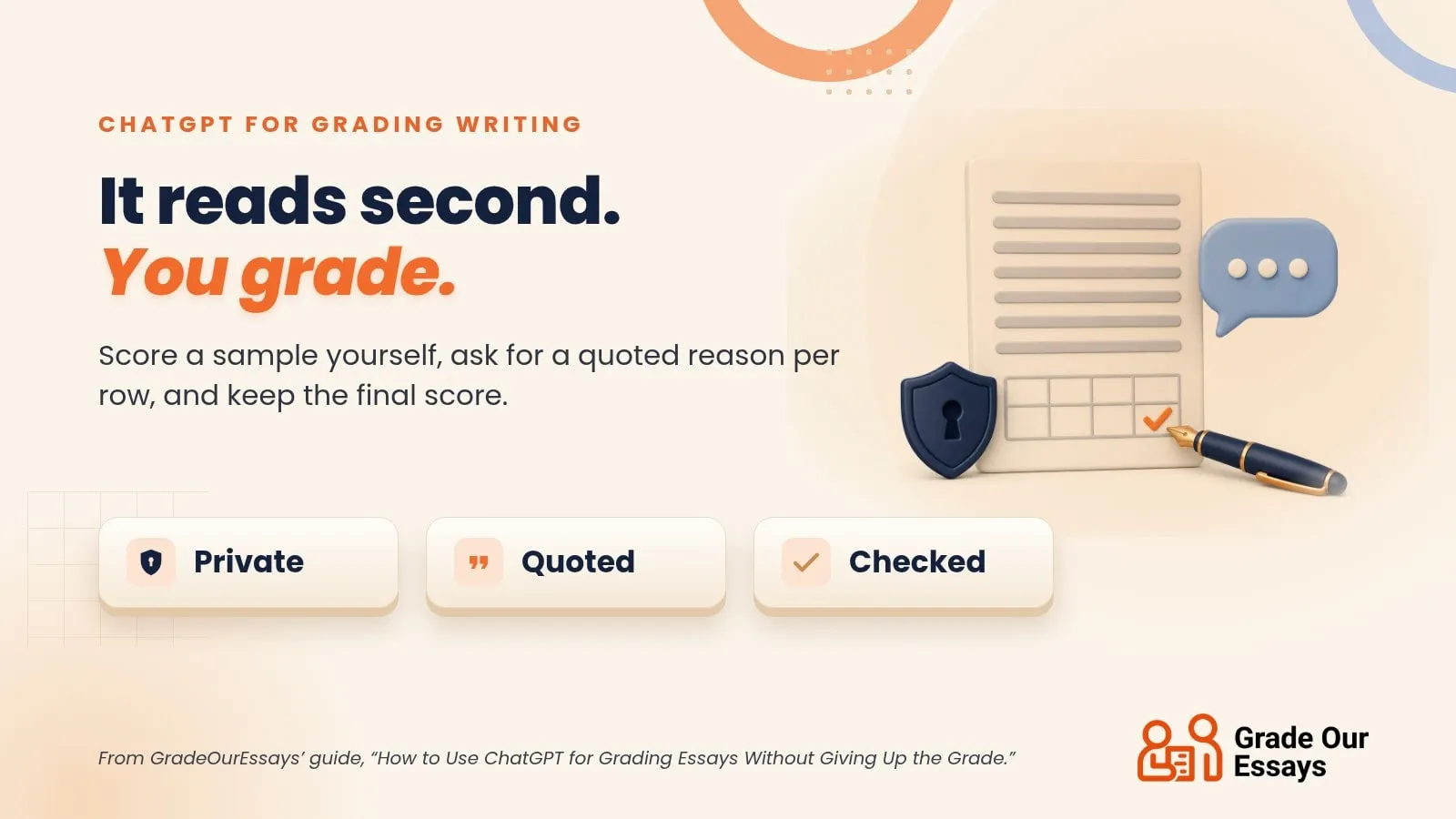
You can use ChatGPT to help grade essays if you treat it as a second reader, not the grader. Score the essay yourself (or at least a sample of the stack), give the chatbot your rubric and a de-identified essay, ask it to quote evidence for every score, and keep the final number for yourself. Before any student writing goes in, check that your district approves the tool for student work.
That’s the short version. The longer version is about where it helps, where it quietly goes wrong, and how to set it up so you save time without handing a stranger your students’ essays or your judgment.
Why So Many Teachers Are Trying It Right Now
It’s the middle of the first big essay cycle. A high school English teacher with five sections can easily be looking at 130 argument essays, and the math is brutal at ten minutes apiece. So teachers are experimenting. Some paste a rubric into ChatGPT and ask for a score. Some use a district tool built on the same kind of model. Others are curious but uneasy, and for good reason.
The uneasy part shows up in three places. First, privacy: an essay is a student record, and a personal chatbot account is not an approved place to store it. Second, accuracy: chatbots sound confident even when they misread an essay. Third, trust. Student journalists this fall have been writing about classmates who feel it’s unfair for teachers to grade with AI while students are told not to write with it, and who say plainly that they turned the essay in to get their teacher’s feedback.
None of that means “never.” It means you need a routine.
Can ChatGPT Grade Essays Accurately?
Sometimes, on some things. A study published in Scientific Reports in November 2026 compared four AI models with teachers scoring 122 middle school texts on the same analytic rubric. ChatGPT’s scores lined up most closely with the teachers’ of the four, and the authors still concluded that these tools fit rapid, low-stakes draft feedback, not high-stakes writing assessment. (That study was in Turkish, with grade 6 to 8 students, so treat it as a signal, not a guarantee for your class.)
In practice, here’s the pattern teachers report:
| ChatGPT is usually decent at | ChatGPT is shaky at |
|---|---|
| Spotting a missing claim or thesis | Judging whether reasoning is actually sound |
| Noticing paragraphs with no evidence | Telling a relevant quote from a decorative one |
| Flagging repeated conventions errors | Reading a struggling writer’s intent |
| Drafting a clear, polite comment | Holding the same standard across 50 essays |
| Summarizing patterns across a class set | Knowing what you taught and what you didn’t |
The last row matters most. The chatbot doesn’t know that you spent two weeks on counterclaims, or that this student wrote twice as much as last month. You do.
What Never Goes Into the Chat
Start here, because it’s the part you can’t undo.
- Names and IDs. Strip the student’s name, ID number, and email. Label essays S01, S02, and so on, and keep the key on your own sheet.
- Personal stories. Personal narratives and reflections often include family, health, or other private details. Removing the name doesn’t remove those. Skip AI for these assignments entirely.
- Anything your district hasn’t approved. If your school has a vetted AI tool, use it. A personal account, even with model training turned off, isn’t automatically approved for student records. A recent ChatGPT guide for teachers makes the same point: changing a setting doesn’t make an unapproved tool fine for confidential student data.
If you’re not sure, ask your tech director one question: “Is this tool approved for student work?” Get the answer in writing.
A Prompt That Makes ChatGPT Show Its Work
The biggest upgrade is asking for evidence instead of a number. A score with a quoted sentence takes you ten seconds to check. A score alone takes a full reread.
Paste your full rubric with every level spelled out, the assignment prompt, and one de-identified essay. Then use something like this:
You are helping a 9th grade English teacher score one argument essay. Use only the rubric below. For each rubric row, give the level, quote the sentence from the essay that best supports that level, and explain the reason in one sentence using the rubric’s words. If a row can’t be scored, say so instead of guessing. Then write one specific strength and one next step the student could act on in their next draft. Do not rewrite any part of the essay.
A few habits keep the output from drifting:
- One essay per chat, or a fresh chat every five to ten essays. Long threads start loosening the format and the standard.
- Paste the rubric every time. Don’t trust the chatbot to remember it.
- Lock the output format. Ask for the same table each time so you can scan quickly.
- Shorten the rubric if it’s long. An eight-row rubric produces eight places to be wrong. A rubric with three clear criteria is easier for students, for you, and for the chatbot.
A Routine That Keeps You in Charge
Picture a 10th grade class that just turned in 32 argument essays on whether the school day should start later. Here’s a routine that saves time without giving up the grade.
- Score five essays yourself first. Pick a strong one, a weak one, and three in the middle. Don’t look at any AI output yet.
- Run those same five through your prompt. Compare row by row. If ChatGPT is within one point on most rows and its quotes point at the same strengths and gaps you noticed, it’s calibrated enough to use as a first reader. If not, fix the rubric wording or stop here. Our guide on checking AI essay scores before you trust them walks through that comparison in detail.
- Run the rest, then read every essay. You’re still reading. The difference is that you’re reading with a draft score and two quoted sentences beside you, so you confirm or change instead of starting cold.
- Change scores freely. If you disagree, your score wins. Note why. Patterns in your disagreements tell you where the rubric is unclear.
- Rewrite the comment in your voice. Keep one strength and one next step. Cut anything generic.
Done this way, the time savings come mostly from feedback drafting and the reread of borderline essays, not from skipping the reading. That’s the honest trade.
How Do I Tell Students I Use AI When Grading?
Tell them before they find out on their own. Students notice, and a hidden AI comment that sounds nothing like you costs more trust than it saves time.
A short note on your syllabus or class page is enough: “I sometimes use an approved AI tool to draft feedback against our rubric. I read every essay and decide every score myself. If you think a score is wrong, ask me, and I’ll review it with you.” Then mean it. If a student challenges a grade, review the essay yourself without leaning on the AI draft.
It also helps to model the same standard you ask of them. You used a tool for a first draft, then checked and revised it. That’s the behavior you want from students who use AI while writing, too.
Where AI Feedback Helps Most: Revision
Here’s the part that’s easy to miss. Fast feedback only matters if students do something with it. An independent study released in November 2026 tested a teacher-calibrated AI feedback tool in AP U.S. History classes and found that students almost never revised with the feedback, even though nearly all of them logged in. The tool was built for revision. It wasn’t used for it.
So if ChatGPT helps you return drafts in two days instead of two weeks, spend the saved time on a revision block in class. Students pick one next step from the comment, revise that paragraph, and highlight the change. That’s where the grade turns into learning. If students ignore your essay feedback now, faster comments alone won’t fix it.
If you’d rather not build prompts and de-identify every file by hand, a purpose-built tool can handle that part. Grade Our Essays drafts trait-level feedback aligned to your state’s rubric, students join with a class code, and you review and approve every score before students see it. It’s FERPA and COPPA compliant, with a free 14-day trial and no credit card required. The routine above still applies: calibrate first, then confirm.
ChatGPT vs. a Dedicated Essay Grader
ChatGPT can draft a score and a comment when you paste in a rubric and an essay. A dedicated essay grader is built for the parts a chat leaves to you, including setup, a state rubric, and a place to keep assignments and grades, while you still decide every score.
| Feature | ChatGPT | Grade Our Essays |
|---|---|---|
| Ease of use and setup | You open a chat, paste your rubric and a de-identified essay, then copy the reply out. You repeat that work for every paper. | You create an assignment, pick your state rubric, and students join with a class code (no student accounts). The site says your first assignment can be ready in under ten minutes. |
| Rubric alignment | No built-in state writing rubrics. You paste your own rubric each time and check that the chatbot followed it. | Essays are scored on your state’s writing rubric, with state rubrics across all 50 states. You can tune the rubric for your classroom. |
| Grade and assignment organization | Chat threads are not a gradebook. You keep your own list of scores, assignments, and which essay belongs to which student. | You create and manage assignments in one place. Students submit under a class code, you review and release each score, and you can see class score averages and export assignments and scores to a CSV file. |
| Feedback to students | It can draft comments when you ask. You copy them to students yourself. | It drafts trait-level feedback, with strengths and next steps on each rubric trait. You review, adjust if needed, and release when you choose. Students then see that feedback in the tool. |
| Privacy and student data | A personal ChatGPT account is not automatically approved for student records. ChatGPT for Teachers, for verified U.S. K-12 educators, includes FERPA-aligned protections and a student data privacy agreement, and does not use chats to train models by default. Your district still has to approve the tool. | The service states that it is FERPA and COPPA compliant. Students join with a class code, give a first name only, and do not create accounts or provide an email. |
| Cost | A free consumer version is available, plus paid personal plans. OpenAI also currently offers ChatGPT for Teachers at no cost for verified U.S. K-12 educators. | A 14-day free trial, with no credit card required. |
Try This Tomorrow
- Ask your tech director whether any AI tool is approved for student work, and which one.
- Write your prompt once with your actual rubric, and save it in a doc you can copy from.
- Score five essays yourself from your current stack, then compare them with the AI’s scores row by row.
- Add two sentences to your syllabus explaining how you use AI in grading and how students can ask for a review.
- Block 20 minutes for revision on the day you return the next set of drafts.
Frequently Asked Questions
Is it okay for teachers to use ChatGPT to grade essays?
It can be, if your district allows it, the essays are de-identified, and you make every final scoring decision. Use it as a second reader that drafts scores and comments, not as the grader.
Is pasting student essays into ChatGPT a FERPA problem?
It can be. Student work is part of the education record, so use only a tool your district has approved for student data, remove names and identifying details, and skip personal writing entirely.
How do I make ChatGPT grade consistently?
Paste the full rubric every time, require a quoted sentence for each score, keep one essay per chat (or start fresh every five to ten), and spot-check its scores against your own on a small sample first.
Should I tell students I use AI to grade?
Yes. A short syllabus note that explains what the tool does, that you decide every score, and how students can request a review protects trust and models honest AI use.